

217318 - Mount - Rögzítő
217318 - Mount - Rögzítő
AMPS furatokkal
Normál ár
43.300 Ft
Normál ár
Akciós ár
43.300 Ft
Egységár
/
The Brother TD-4550DNWB, TD-4550DNWBFC offers fast, reliable label printing in a compact and professional design. Combined with a Brodit printer mount, it becomes a well-integrated part of the workspace, keeping equipment within comfortable reach and helping create a more efficient and organized working day.
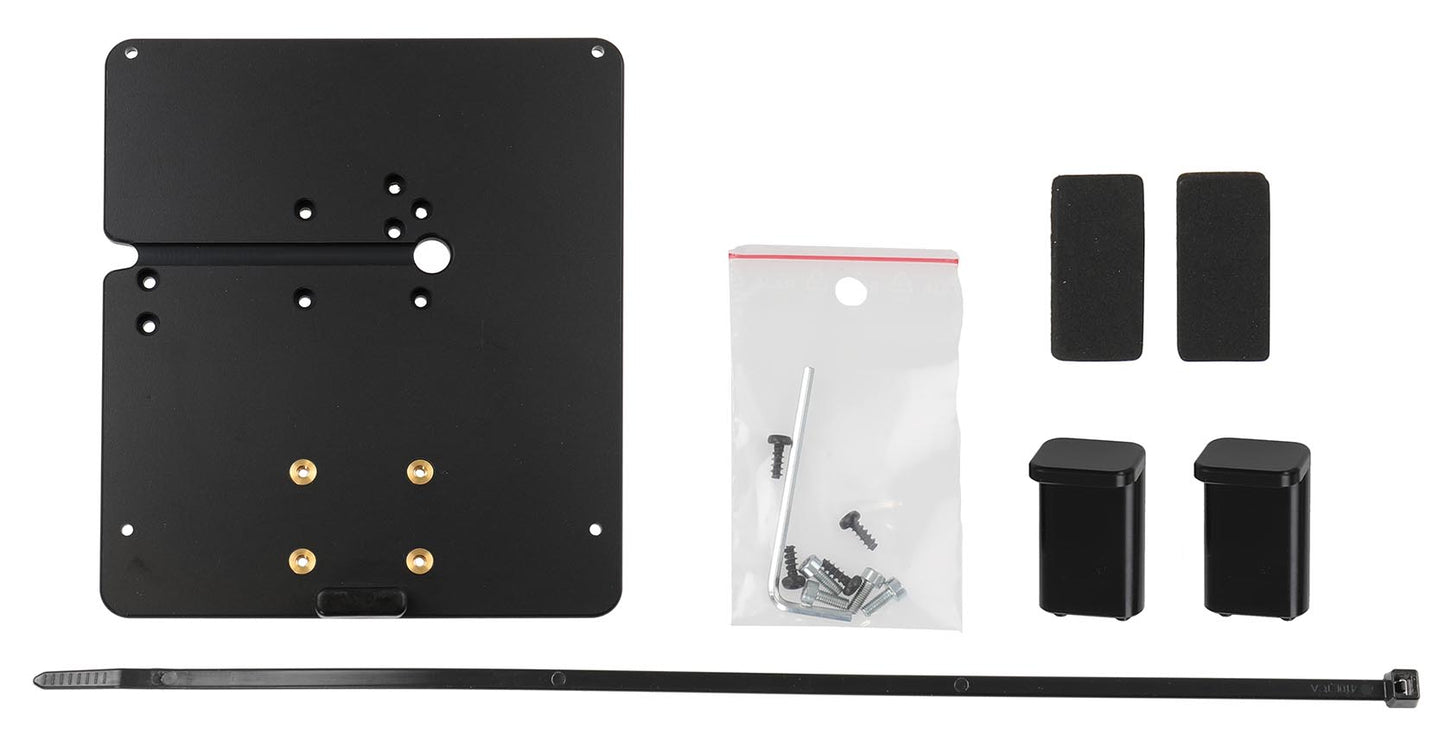
This Brodit printer mount is a simple and reliable solution for mounting your printer. The design provides a secure installation and keeps the printer easily accessible when needed. The mount is only 7 mm thick, keeping the printer close to the mounting surface and minimizing the space it requires. Its strong construction keeps the printer firmly in place, while the integrated cable management helps keep cables tidy and reduces the risk of damage or accidental disconnection.
Featuring a standard AMPS hole pattern, the mount can be easily attached to a Brodit Pedestal Mount, offering a stable and versatile installation solution for various work environments. Made from durable ABS/Acetal plastic, the mount offers good strength, stability, and long service life. Color: Black. Made in Sweden.
This Brodit printer mount is a simple and reliable solution for mounting your printer. The design provides a secure installation and keeps the printer easily accessible when needed. The mount is only 7 mm thick, keeping the printer close to the mounting surface and minimizing the space it requires. Its strong construction keeps the printer firmly in place, while the integrated cable management helps keep cables tidy and reduces the risk of damage or accidental disconnection.
Featuring a standard AMPS hole pattern, the mount can be easily attached to a Brodit Pedestal Mount, offering a stable and versatile installation solution for various work environments. Made from durable ABS/Acetal plastic, the mount offers good strength, stability, and long service life. Color: Black. Made in Sweden.
 Egy éves garancia

Beszerelés lépései
Kompatibilis modellek
- Brother TD-4550DNWB
- Brother TD-4550DNWBFC